OCS网课刷课
📚 效率工具:篡改猴 + OCS 网课助手 + 题库,自动刷网课自动答题,一般正确率 90+。 官方文档:https://docs.ocsjs.com/docs/quickly-start
思路总览
- 浏览器装好插件后,可以刷学习通的课
- 想刷知到的课,得下载 OCS 软件
- 题库靠 JSON 配置接入(下方配置)
简易版流程
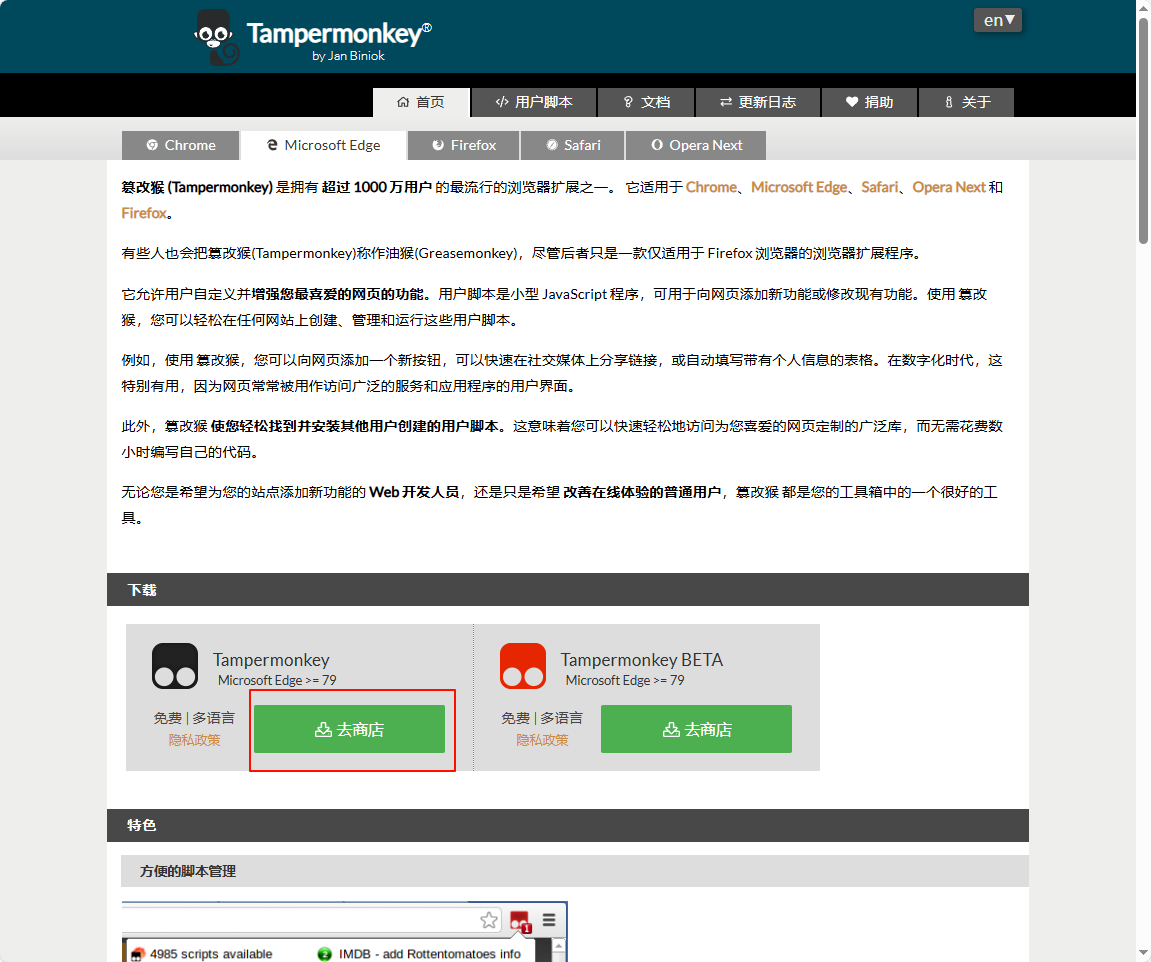
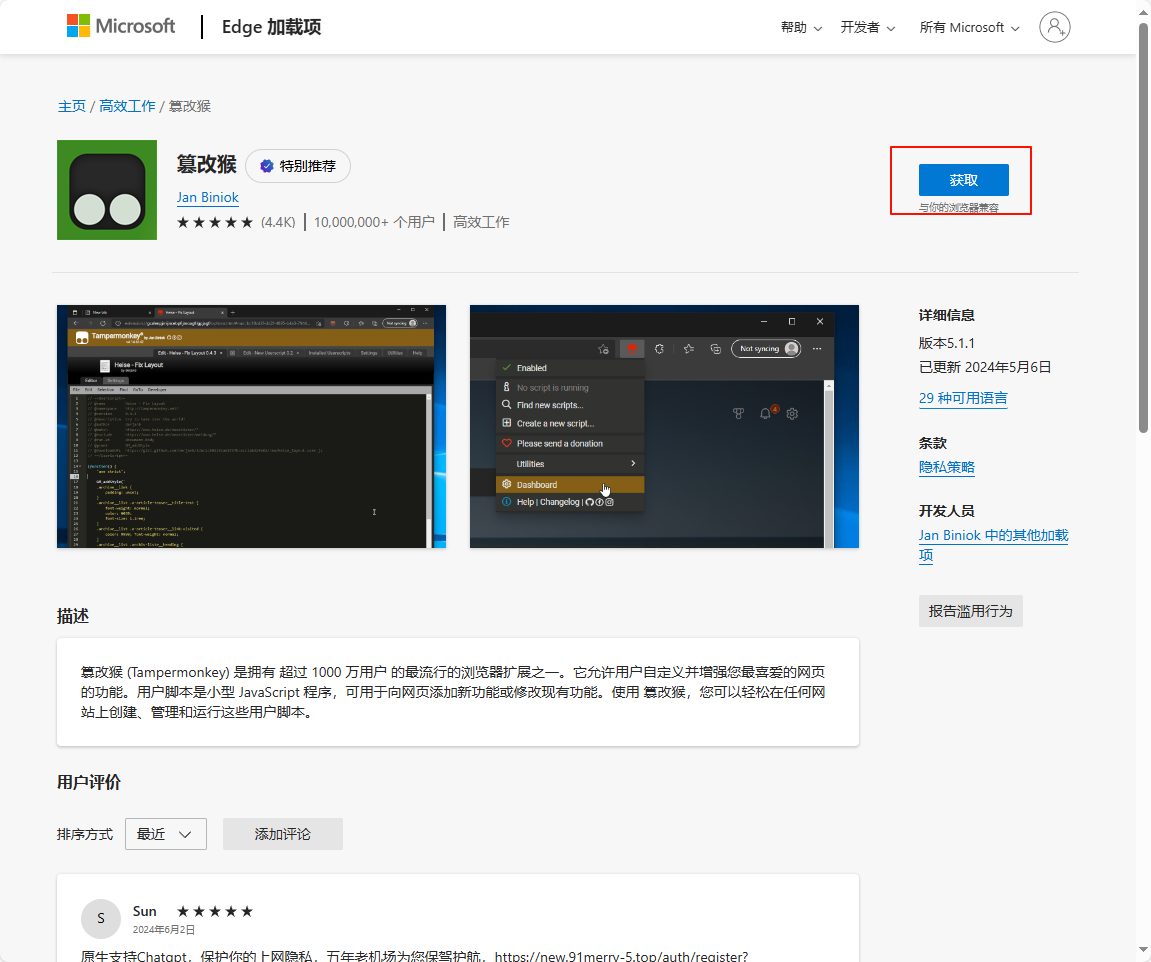
一、下载篡改猴(Tampermonkey)
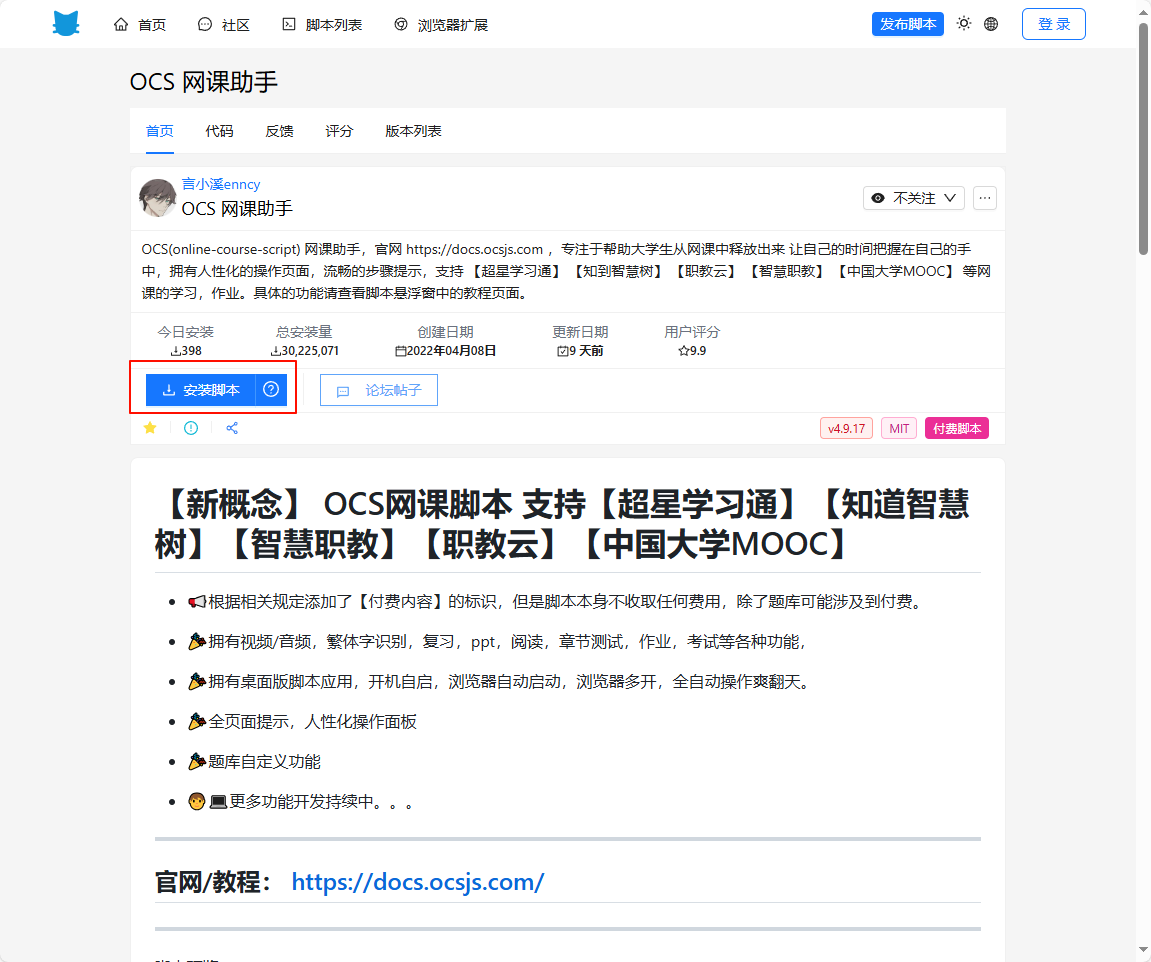
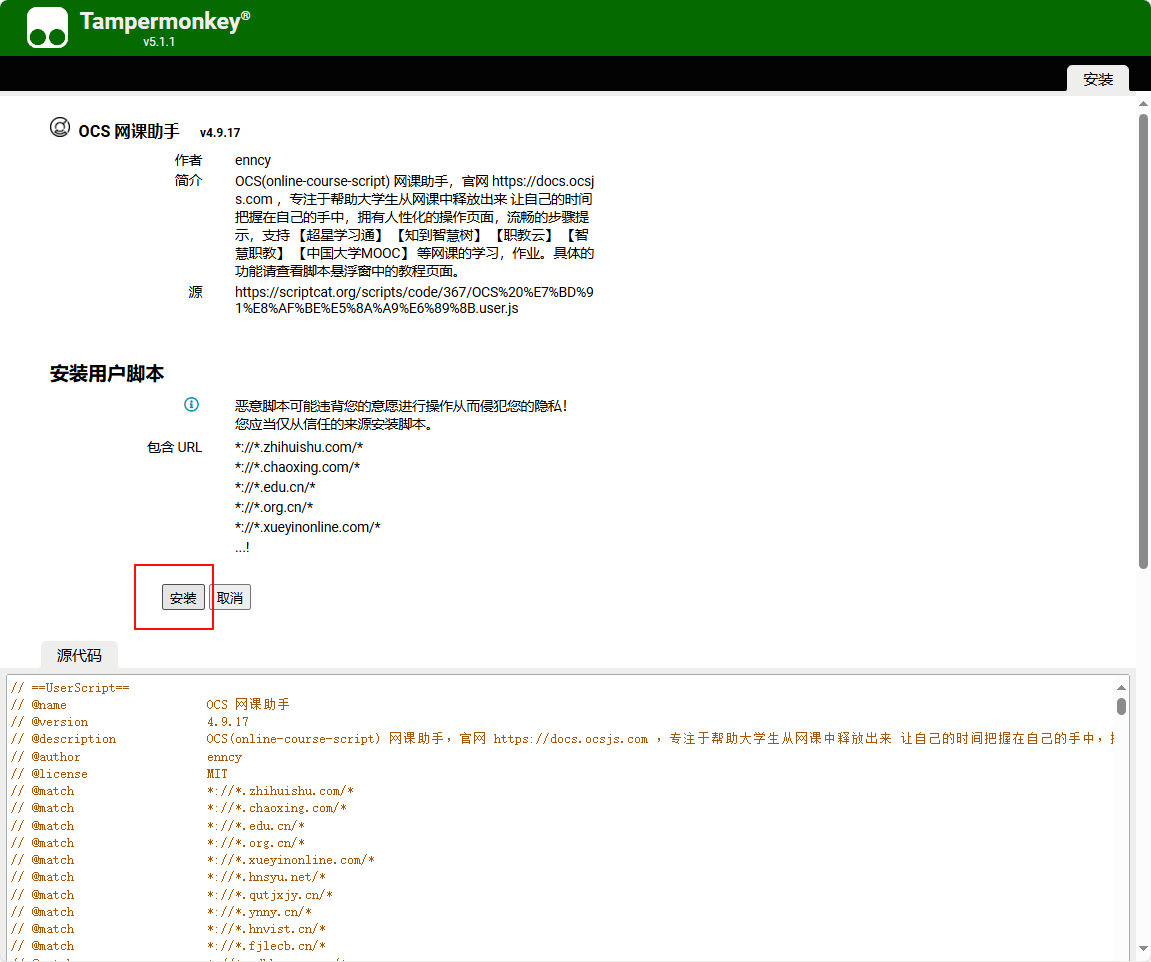
二、下载 OCS 网课助手
https://scriptcat.org/zh-CN/script-show-page/367
三、打开学习通
会弹出弹窗:
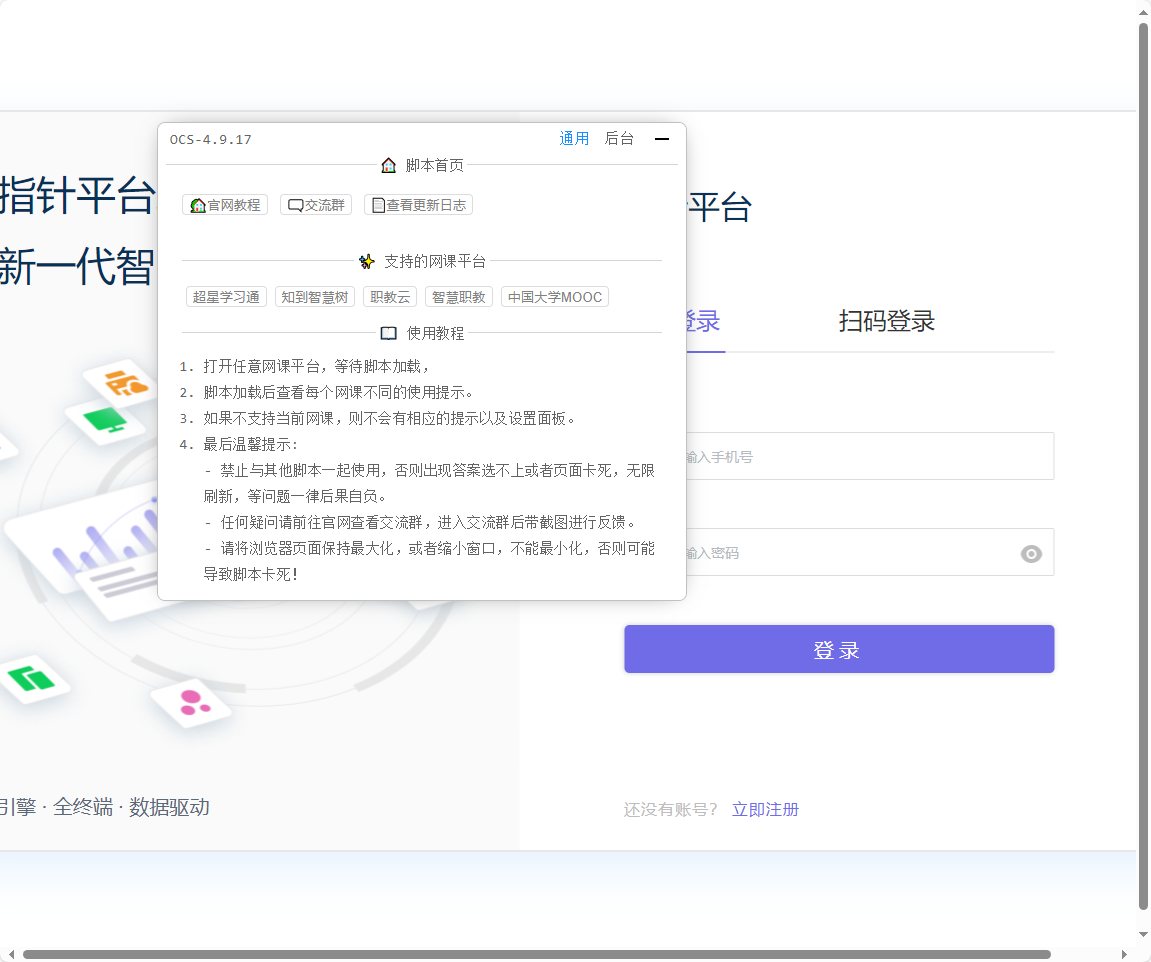
打开全局设置 → 配置题库,将下方内容粘贴进去即可:
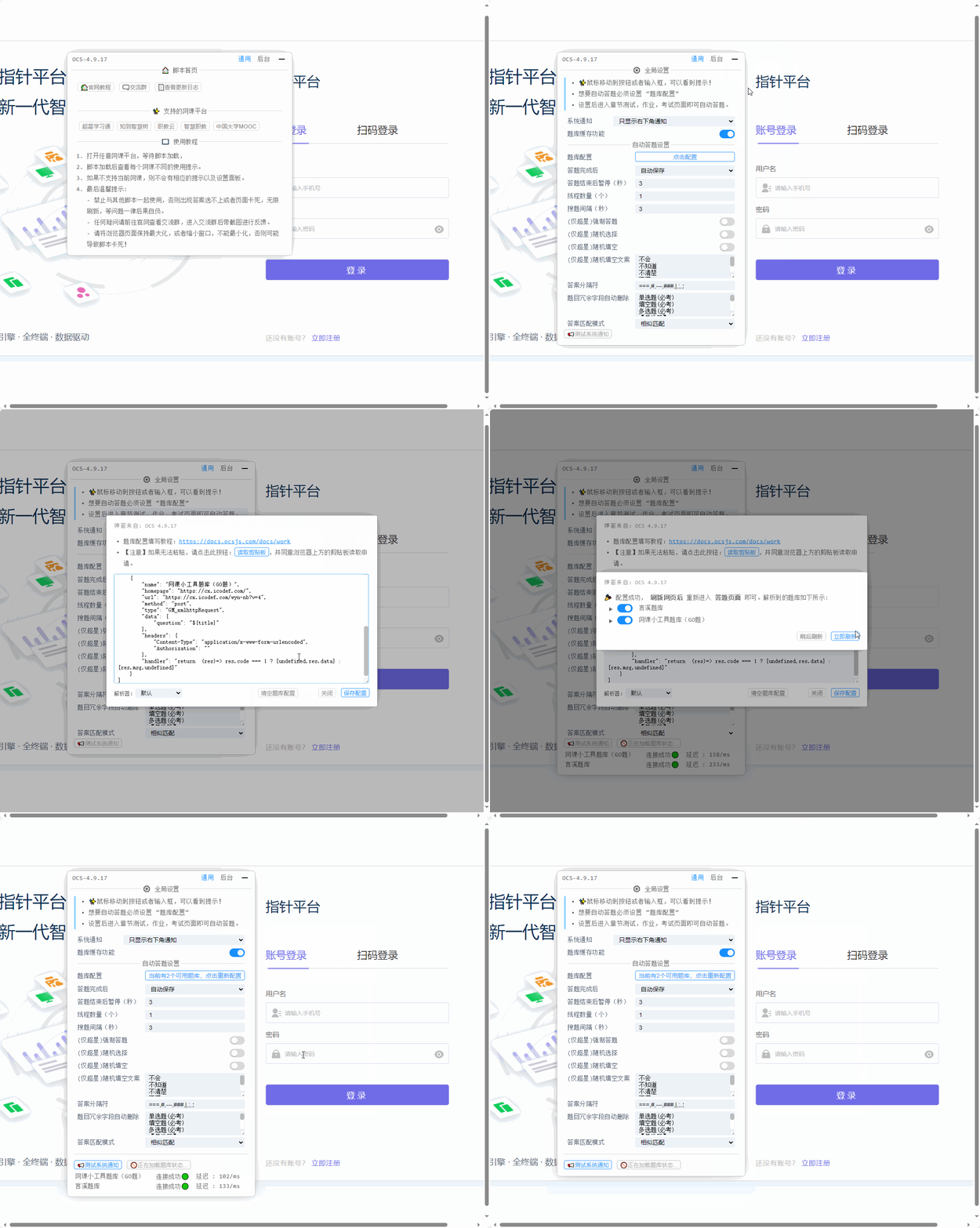
题库配置(10000 道题库的码):
[
    {
        "name": "言溪题库",
        "homepage": "https://tk.enncy.cn/",
        "url": "https://tk.enncy.cn/query",
        "method": "get",
        "type": "GM_xmlhttpRequest",
        "contentType": "json",
        "data": {
            "token": "dc3da3c4de15472fb865de9629a7c0b3",
            "title": "${title}",
            "options": "${options}",
            "type": "${type}"
        },
        "handler": "return (res)=>res.code === 0 ? [res.data.answer, undefined] : [res.data.question,res.data.answer]"
    },
    {
        "name": "网课小工具题库(GO题)",
        "homepage": "https://cx.icodef.com/",
        "url": "https://cx.icodef.com/wyn-nb?v=4",
        "method": "post",
        "type": "GM_xmlhttpRequest",
        "data": {
            "question": "${title}"
        },
        "headers": {
            "Content-Type": "application/x-www-form-urlencoded",
            "Authorization": ""
        },
        "handler": "return (res)=> res.code === 1 ? [undefined,res.data] : [res.msg,undefined]"
    }
]
四、最后
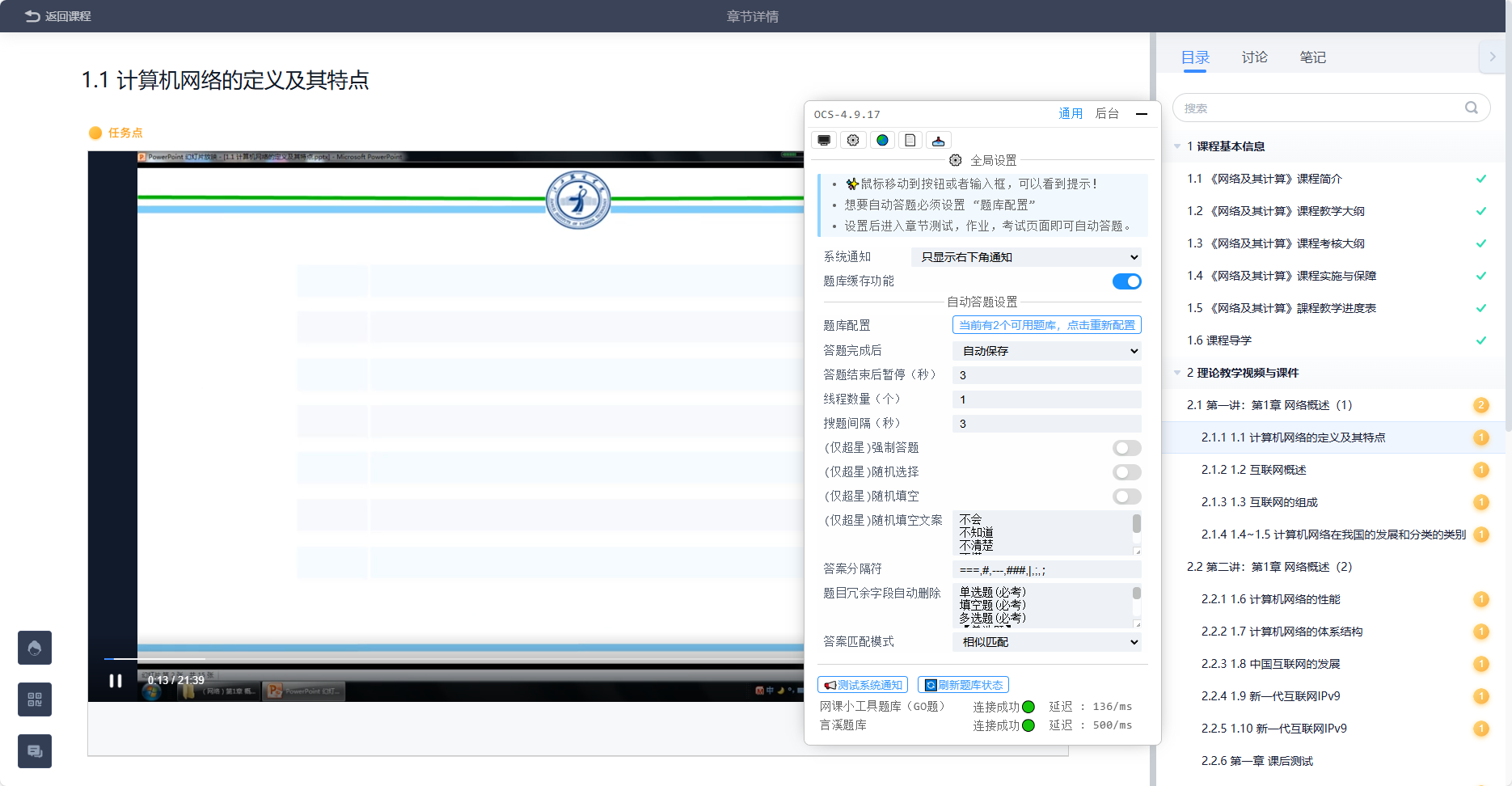
放着就可以自动刷课和做题了,一般正确率会在 90 以上:
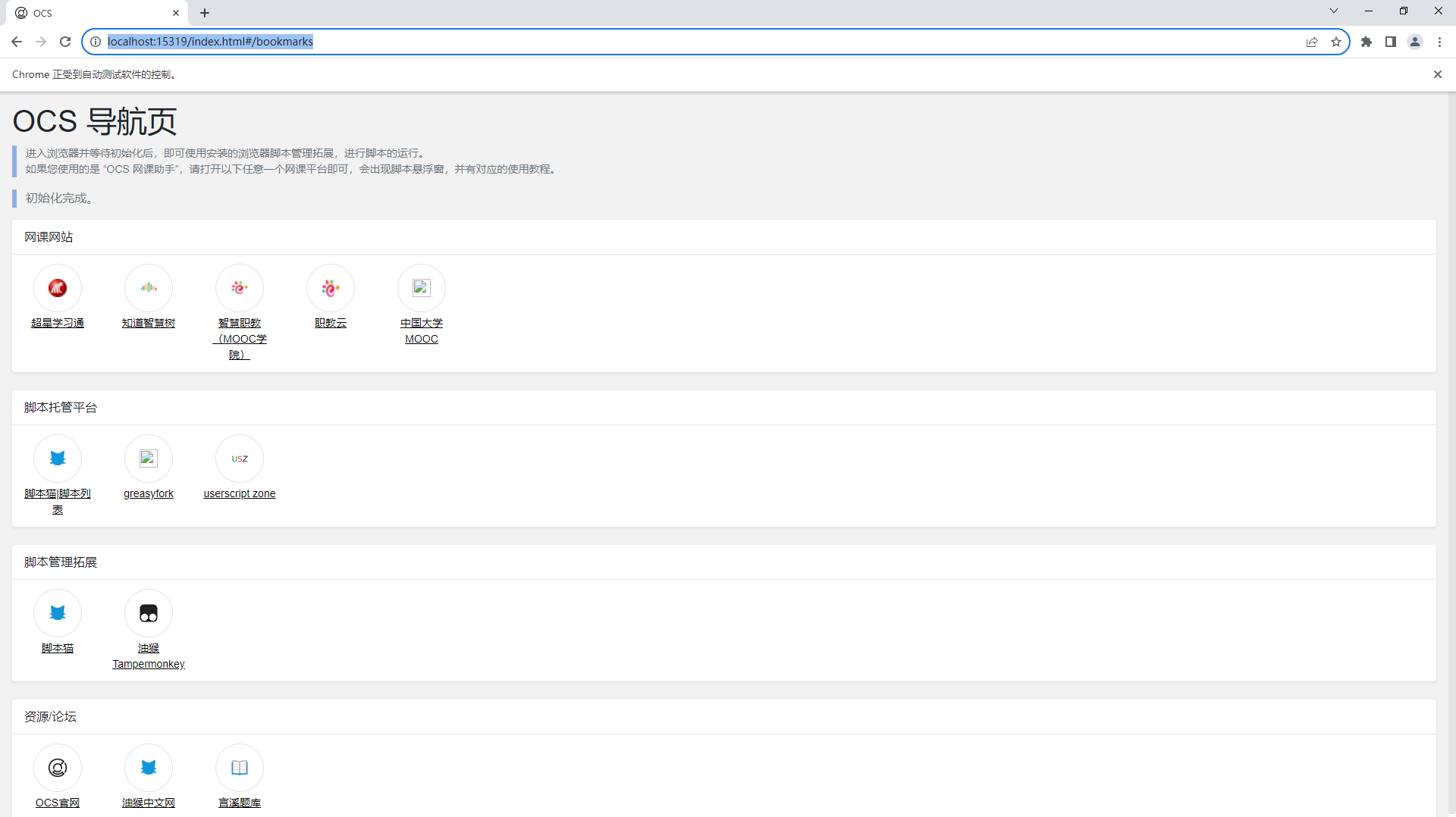
⬅️ 02-Windows一键安装 🏠 00-小技能 ➡️ 04-文件管理器快捷方式修复
💬 评论