初始化项目
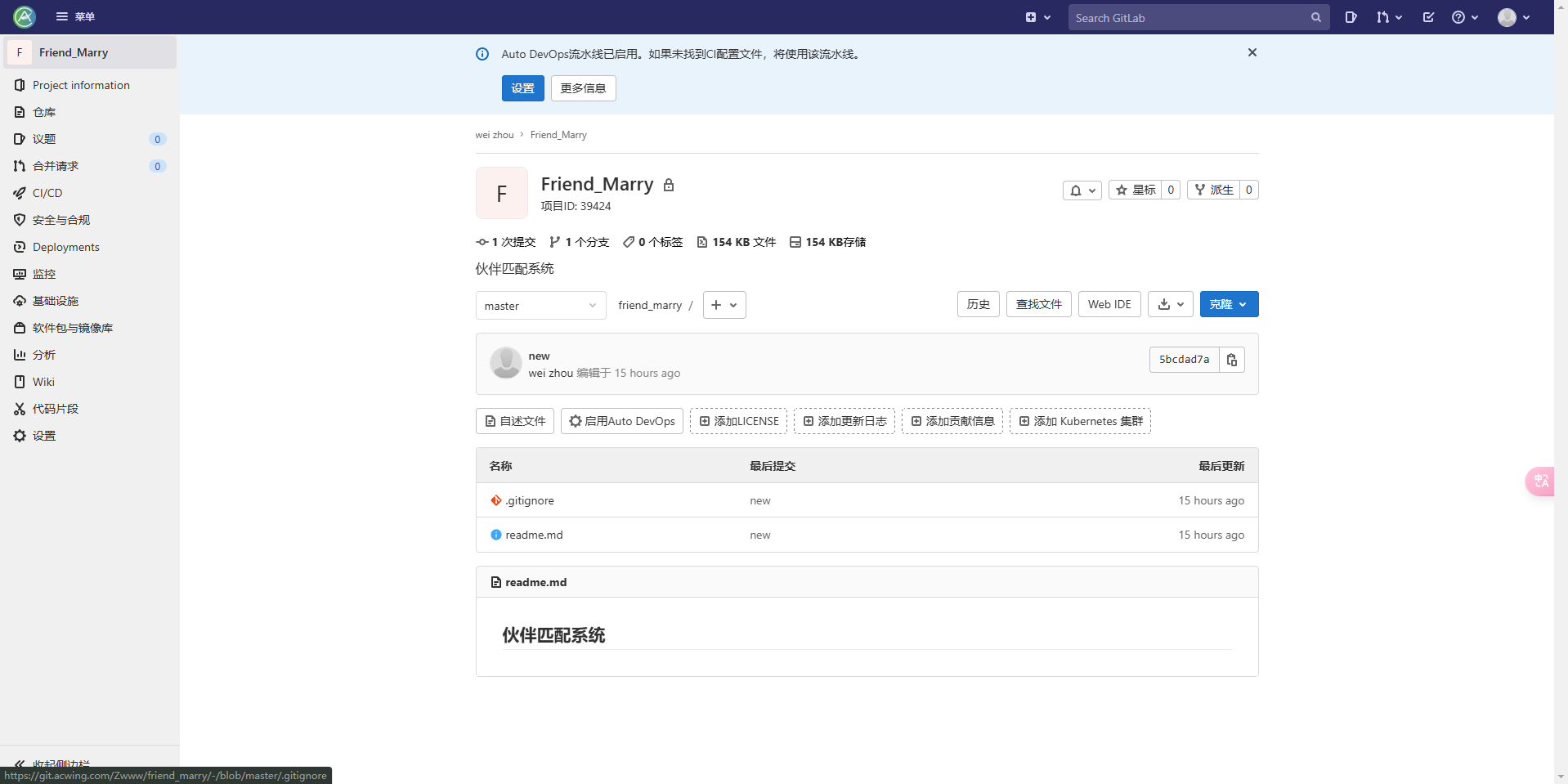
git
前端
1)用脚手架初始化项目:
- Vue CLI:https://cli.vuejs.org/zh/
- Vite 脚手架 :https://vitejs.cn/guide/#scaffolding-your-first-vite-project(推荐)
2)整合组件库 Vant:
- 安装 Vant
- 配置按需引入
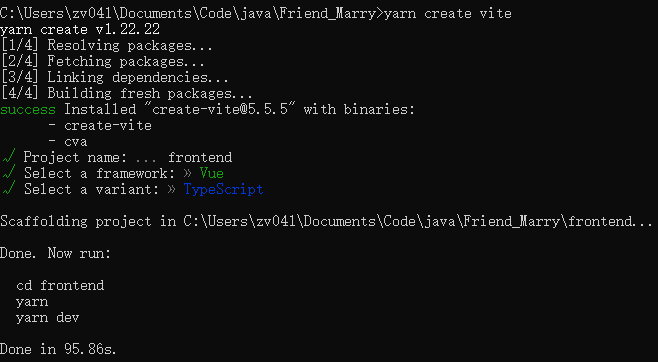
vite初始化项目
yarn create vite
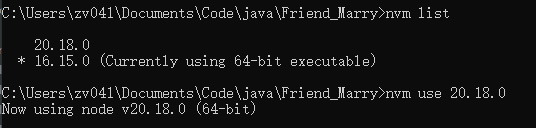
(需要20以上的node了现在)
添加组件库
安装vant
npm install vant
安装按需引入插件
npm i @vant/auto-import-resolver unplugin-vue-components unplugin-auto-import -D
修改vite.config.ts为
import {defineConfig} from 'vite'
import vue from '@vitejs/plugin-vue'
import AutoImport from 'unplugin-auto-import/vite';
import Components from 'unplugin-vue-components/vite';
import {VantResolver} from '@vant/auto-import-resolver';

// https://vite.dev/config/
export default defineConfig({
    plugins: [
        vue(),
        AutoImport({
            resolvers: [VantResolver()],
        }),
        Components({
            resolvers: [VantResolver()],
        }),
    ],
})
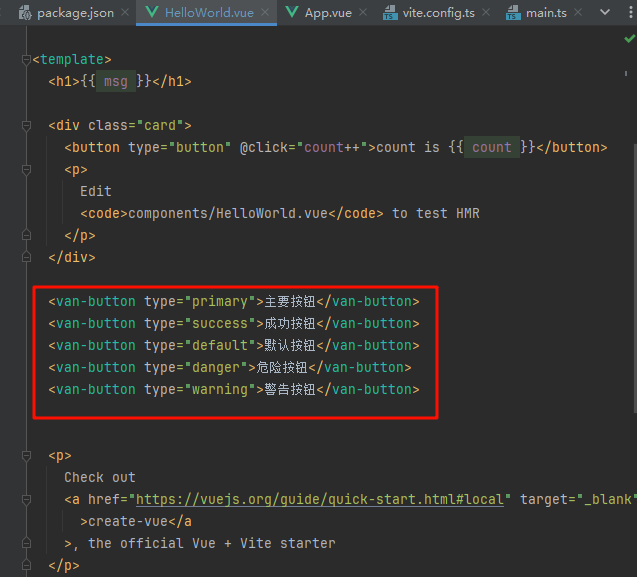
引入组件
参照文档 复制代码进来就能正常用了
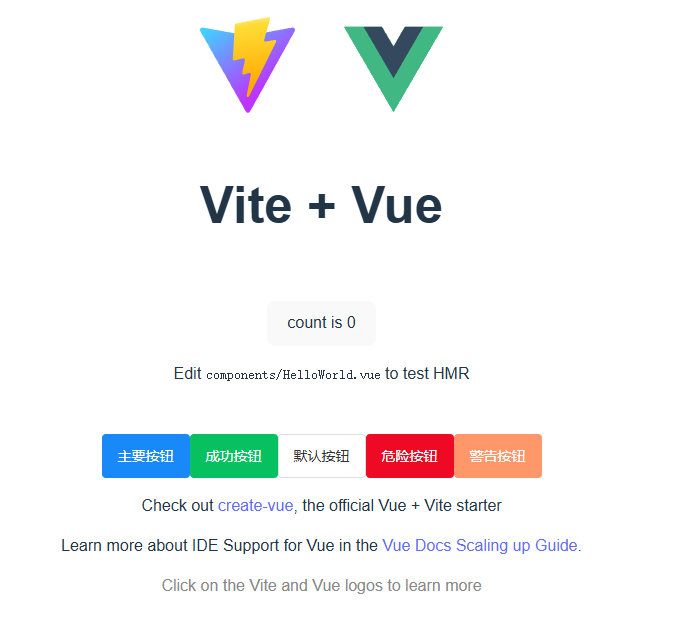
页面框架设计
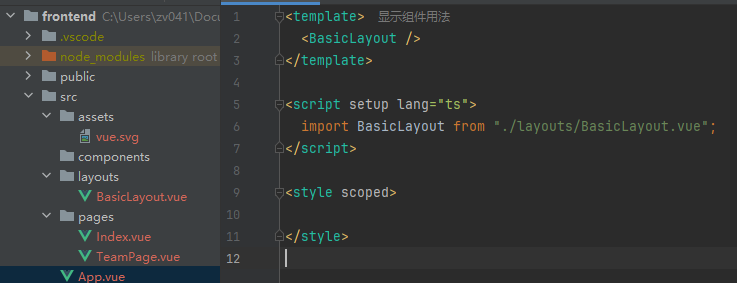
BasicLayout
<template>
  <van-nav-bar
      title="标题"
      left-arrow
      @click-left="onClickLeft"
      @click-right="onClickRight"
  >
    <template #right>
      <van-icon name="search" size="18"/>
    </template>
  </van-nav-bar>

  <div id="content">
    <template v-if="active === 'index'">
      <Index/>
    </template>
    <template v-if="active === 'team'">
      <TeamPage/>
    </template>
  </div>

  <van-tabbar v-model="active" @change="onChange">
    <van-tabbar-item to="/" icon="home-o" name="index">主页</van-tabbar-item>
    <van-tabbar-item to="/team" icon="search" name="team">队伍</van-tabbar-item>
    <van-tabbar-item to="/user" icon="friends-o" name="user">个人</van-tabbar-item>
  </van-tabbar>

</template>


import {ref} from "vue";
import {Toast} from "vant";
import Index from "../pages/Index.vue";
import TeamPage from "../pages/TeamPage.vue";

const => alert('左');
const => alert('右');

const active = ref("index");
const => Toast(`标签${index}`);
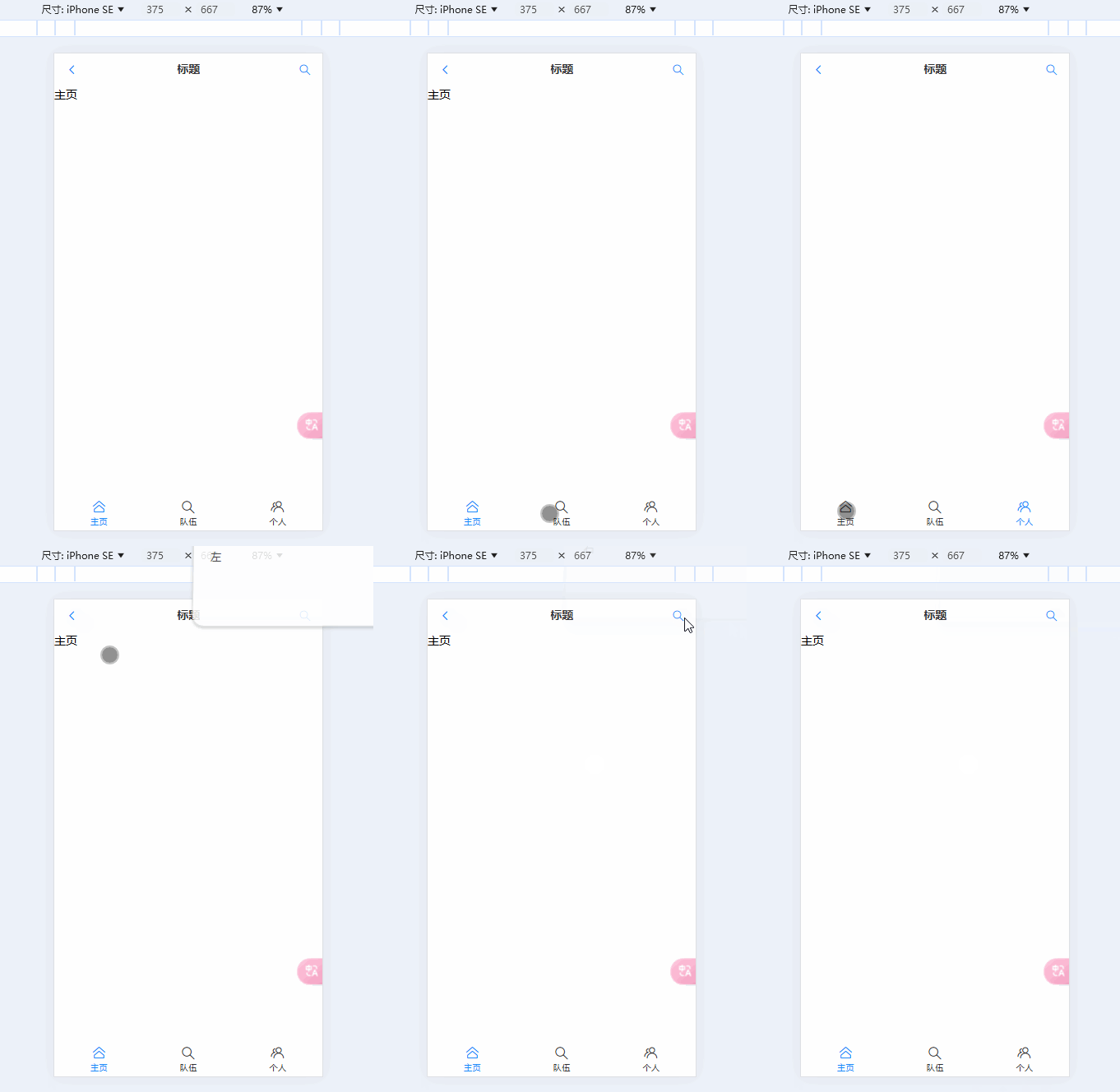
尽量选屏幕较小的型号设计 苹果se
后端
设计表
这里是一个用户的匹配系统 需要存储用户自己设计的标签 进行归类从而才能匹配到一起
所以需要一个标签表(分类表)
标签表
字段设计:
性别?男女
方向?java c go 前端
目标?考研 春招 秋招 社招 竞赛 跳槽 转行
身份?大几 研几 就业 待业
状态?
【用户自定义标签】?
表设计
id int 主键
标签名 varchar 非空(必须唯一,唯一索引)
上传标签的用户 userId int(如果要根据 userId 查已上传标签的话,最好加上,普通索引)
父标签 id ,parentId,int(分类)
是否为父标签 isParent, tinyint(0 不是父标签、1 - 父标签)
创建时间 createTime,datetime
更新时间 updateTime,datetime
是否删除 isDelete, tinyint(0、1)
(最好是用下划线命名 兼容性更高)
验证设计
思考该设计能不能满足业务操作诉求:
怎么查询所有标签,并且把标签分好组?
直接查询可以得到所有标签 按得到的父标签 id 进行分组 有了id自然也能查到其他东西
全量查询即可
根据父标签查询子标签?
只需要根据父标签 id 查询
SQL
create table tag
(
    id         bigint auto_increment
        primary key,
    tagName    varchar(255)                       null comment '标签名称',
    userId     varchar(256)                       null comment '用户 id',
    parentId   bigint                             null comment '父标签',
    isParent   tinyint                            null comment '0-是父标签, 1-不是父标签',
    createTime datetime default CURRENT_TIMESTAMP null comment '创建时间',
    updateTime datetime default CURRENT_TIMESTAMP null on update CURRENT_TIMESTAMP comment '更新时间',
    isDelete   tinyint  default 0                 null comment '是否删除',
    constraint uniIndex_tagName
        unique (tagName)
)
    comment '标签表';

create index idx_userId
    on tag (userId);
用户表
使用之前用户中心的后端代码
思考:怎么给用户表补充标签?
根据自己的实际需求来
常见方案有 2 种:
1)直接在用户表补充 tags 字段,格式为 json 字符串,比如:['Java', '男']
优点:查询方便(查用户的时候标签一起出来了)、不用新建关联表,标签是用户的固有属性(除了该系统、其他系统可能要用到,标签是用户的固有属性)节省开发成本
缺点:根据标签查用户时只能用模糊查询,或者遍历用户列表,性能不高。
2)加一个关联表,记录用户和标签的关系
关联表的优点(适用场景):查询灵活,可以正查、反查。
缺点:要多建一个表、多维护一个表
提示:企业大项目开发中尽量减少关联查询,很影响扩展性,而且会影响查询性能
此处选择第一种,可以用缓存来提高查询效率。
use friendmarry;
show tables;
create table user
(
     userName     varchar(256)                       null comment '用户昵称',
 id           bigint auto_increment comment 'id'
     primary key,
 userAccount  varchar(256)                       null comment '账号',
 avatarUrl    varchar(1024)                      null comment '用户头像',
 gender       tinyint                            null comment '性别',
 userPassword varchar(512)                       null comment '密码',
 phone        varchar(128)                       null comment '电话',
 email        varchar(512)                       null comment '邮箱',
 userStatus   int      default 0                 not null comment '状态 0 - 正常',
 createTime   datetime default CURRENT_TIMESTAMP null comment '创建时间',
 updateTime   datetime default CURRENT_TIMESTAMP null on update CURRENT_TIMESTAMP,
 isDelete     tinyint  default 0                 not null comment '是否删除',
 userRole     int      default 0                 not null
)
    comment '用户';
alter table user add COLUMN tags varchar(1024) null comment '标签列表'';
完整sql
use friendmarry;
show tables;
create table user
(
     userName     varchar(256)                       null comment '用户昵称',
 id           bigint auto_increment comment 'id'
     primary key,
 userAccount  varchar(256)                       null comment '账号',
 avatarUrl    varchar(1024)                      null comment '用户头像',
 gender       tinyint                            null comment '性别',
 userPassword varchar(512)                       null comment '密码',
 phone        varchar(128)                       null comment '电话',
 email        varchar(512)                       null comment '邮箱',
 userStatus   int      default 0                 not null comment '状态 0 - 正常',
 createTime   datetime default CURRENT_TIMESTAMP null comment '创建时间',
 updateTime   datetime default CURRENT_TIMESTAMP null on update CURRENT_TIMESTAMP,
 isDelete     tinyint  default 0                 not null comment '是否删除',
 userRole     int      default 0                 not null
)
    comment '用户';
alter table user add COLUMN tags varchar(1024) null comment '标签列表';

create table tag
(
    id         bigint auto_increment
        primary key,
    tagName    varchar(255)                       null comment '标签名称',
    userId     varchar(256)                       null comment '用户 id',
    parentId   bigint                             null comment '父标签',
    isParent   tinyint                            null comment '0-是父标签, 1-不是父标签',
    createTime datetime default CURRENT_TIMESTAMP null comment '创建时间',
    updateTime datetime default CURRENT_TIMESTAMP null on update CURRENT_TIMESTAMP comment '更新时间',
    isDelete   tinyint  default 0                 null comment '是否删除',
    constraint uniIndex_tagName
        unique (tagName)
)
    comment '标签表';

create index idx_userId
    on tag (userId);
项目分区导航:⬅️ 05-项目源码 | 06-初始化项目 | ➡️ 07-redis存储session
💬 评论